Computers & Laptops / Review
Samsung T7 Shield 1TB Review: A practical portable SSD for an active bag
The T7 Shield favors a protected enclosure and common 10Gb/s USB connectivity over chasing the fastest possible interface.
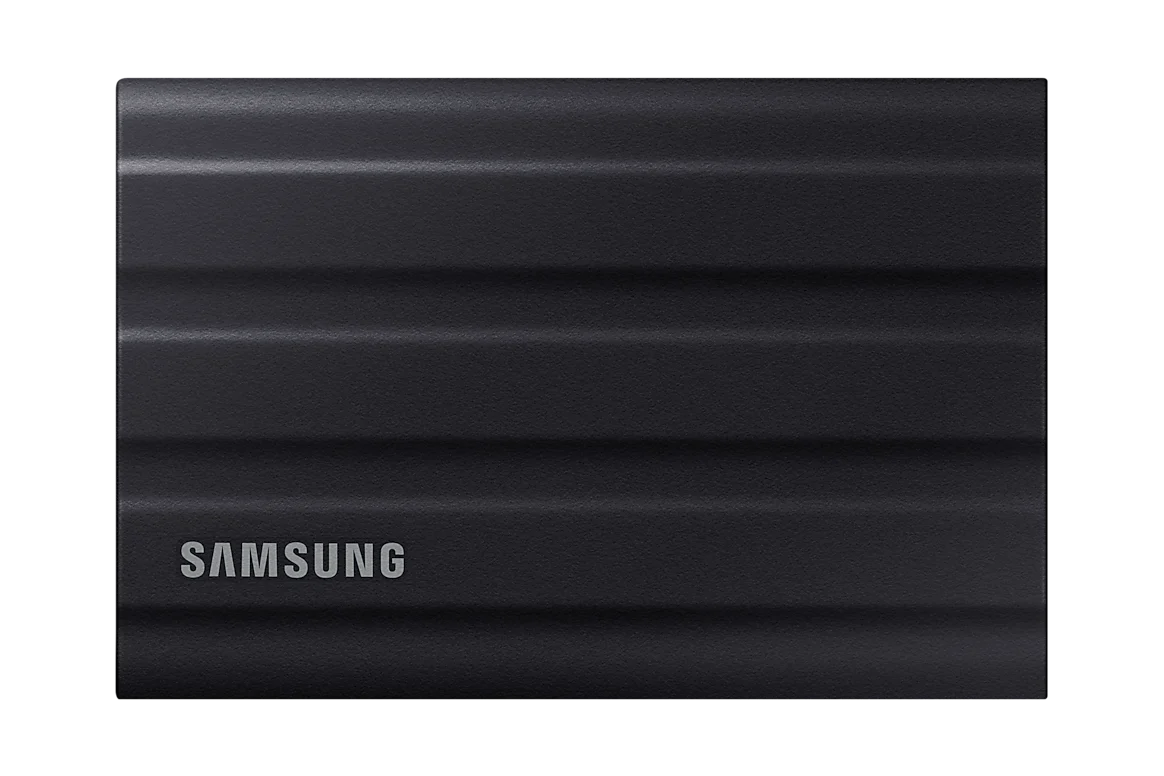
Review basis: This is a research-based editorial review of manufacturer documentation and published product specifications, not a hands-on test. Ratings reflect documented features and buying tradeoffs; performance claims are attributed to their sources.
Where the Shield makes sense
The Samsung T7 Shield is a sensible portable SSD for people who regularly move project files between locations and want more protection around the drive than a bare metal pocket enclosure provides. This review concerns the 1TB version. Its rubber-covered body and IP65 rating give it a clear identity for travel and outdoor work, though they do not make it a substitute for another copy of important files. The strongest reason to choose it is a combination of manageable size and practical enclosure protection, not an expectation of desktop-class expansion.
Understand the speed class
Samsung specifies sequential read and write speeds of up to 1,050 and 1,000MB/s over USB 3.2 Gen 2. Those figures describe a 10Gb/s USB device under suitable conditions. A USB-C connector by itself does not establish that the computer or cable supports that speed. Older ports, small-file workloads and the source drive can all reduce a transfer rate. The useful question is whether this class of performance fits your file movement. Paying more for a faster-interface drive may achieve little if the host cannot use it.
Protection has boundaries
The IP65 specification addresses dust and water resistance under defined conditions; it is not an invitation to submerge the drive or leave it exposed indefinitely. The textured outer covering is useful for handling and distinguishes the Shield from slimmer portable drives. It also adds bulk relative to a minimal enclosure. Someone who keeps an SSD permanently attached behind a monitor may gain little from that design. A photographer carrying a drive between shoots has a more obvious reason to prioritize the protected body over the thinnest possible shape.
Capacity and file organization
One terabyte is a useful working capacity, but large video libraries and repeated project versions can fill it quickly. Estimate the size of the active material you actually need to carry, leaving room for new work rather than buying exactly today's requirement. File-system choice also matters when moving between Windows and macOS, particularly if the drive must be writable on both. Establish the required format before loading valuable files, and keep a separate backup. Physical toughness cannot prevent accidental deletion, lost bags or an incompatible formatting decision.
Verdict
Buy the T7 Shield 1TB if your work fits its capacity and you want a portable 10Gb/s SSD with a more protective enclosure. It is a particularly coherent option for a mixed collection of computers that do not all support the fastest external-storage standards. Choose more capacity if your library is already approaching a terabyte, or a higher-bandwidth drive when large transfers and compatible host ports justify it. For simple desk backup, a less rugged drive may deliver similar utility. The Shield earns its place when carrying and handling are central parts of the job.
Sources
What works well
- Protected rubber-covered enclosure
- IP65 dust and water resistance rating
- Common 10Gb/s USB interface
What to consider
- 1TB can be restrictive for video libraries
- Peak speed depends on host and workload
- Protective covering adds bulk
At a glance
- Capacity
- 1TB
- Interface
- USB 3.2 Gen 2, 10Gb/s
- Claimed sequential speed
- Up to 1,050MB/s read; 1,000MB/s write
- Protection rating
- IP65
- Warranty
- Limited 3 years