Computers & Laptops / Review
Samsung 990 PRO 2TB Review: A fast Gen4 SSD that needs the right slot
The 2TB 990 PRO is a high-specification internal NVMe drive whose value depends on workload and system compatibility.
Review basis: This is a research-based editorial review of manufacturer documentation and published product specifications, not a hands-on test. Ratings reflect documented features and buying tradeoffs; performance claims are attributed to their sources.
An upgrade for a specific system
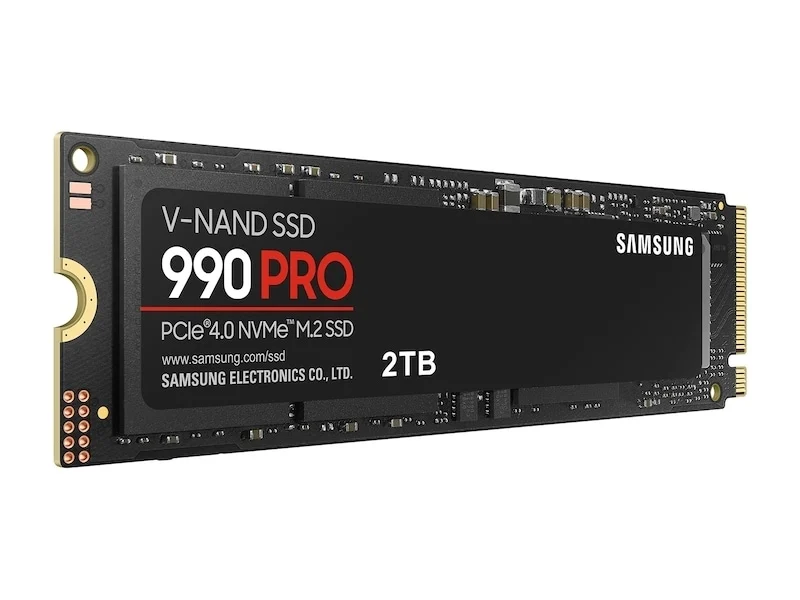
The Samsung 990 PRO 2TB is an internal M.2 NVMe SSD for a compatible computer, not a portable drive that connects directly by USB. Its strongest case is adding useful fast capacity to a system that can take advantage of PCIe 4.0. This review covers the standard drive without an attached heatsink. That distinction matters in laptops and motherboards with their own cooling hardware, where a pre-fitted heatsink may be unnecessary or physically unsuitable. Confirm the slot type and available clearance before comparing the drive's speed figures.
Peak speed is only part of the story
Samsung quotes sequential read speeds up to 7,450MB/s and writes up to 6,900MB/s. These are manufacturer maximums under specified test conditions, including its write-caching behavior. They are relevant to large transfers, but everyday responsiveness also depends on the operating system, applications, memory and workload. Replacing a much older storage device can be a different experience from replacing another good NVMe SSD. Do not expect every application launch or game loading screen to improve in direct proportion to the advertised sequential-speed ratio.
Capacity can be the more meaningful upgrade
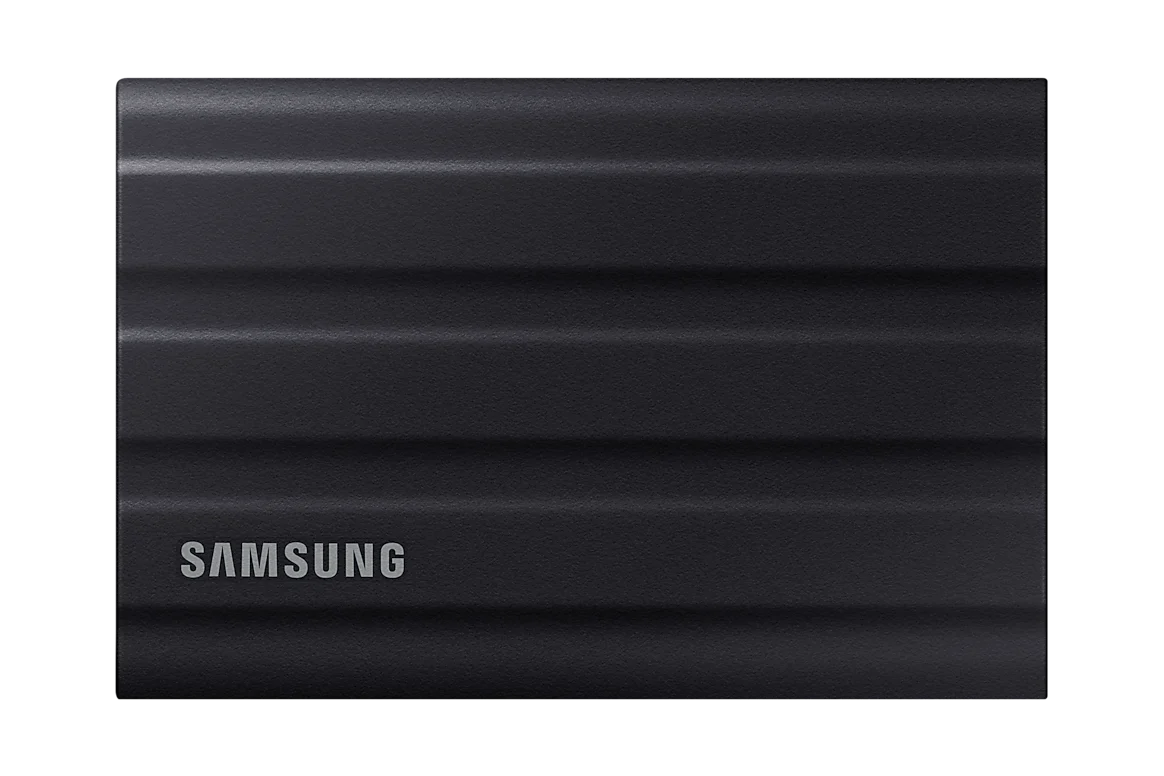
Two terabytes can provide welcome room for applications, active media and a game library without forcing constant deletion. That capacity benefit may be easier to appreciate than a small difference between premium Gen4 drives. Think about how much free space your normal work requires and whether the system has another slot for future expansion. If it has only one, migration planning becomes part of the job. You may need a suitable enclosure or another method to copy the existing system before replacing the old drive.
Installation and ownership
The M.2 2280 form factor is common, but not every M.2 slot accepts the same interface or supports the same generation. Consult the computer or motherboard documentation rather than relying on visual similarity. Cooling also deserves attention for sustained activity; the bare drive is intended to fit an appropriate system arrangement, and some machines provide a dedicated heat spreader. Samsung's management software can assist with drive information and supported updates. Keep firmware maintenance and backups separate from performance enthusiasm: a fast drive still holds files that need another copy.
Verdict
Buy the 990 PRO 2TB when you want substantial internal capacity in a system with a suitable PCIe 4.0 NVMe slot and a workload that benefits from a high-end Gen4 drive. Compare total cost with other compatible capacities before paying solely for a maximum speed. A slower system interface can limit the benefit, while light office work may not justify replacing an already adequate SSD. The 990 PRO is a focused component purchase. Correct fit, enough capacity and a sensible migration plan are more important than winning a specification comparison.
Sources
What works well
- 2TB capacity for active applications and files
- High stated Gen4 sequential speeds
- Bare version suits systems with their own heat spreader
What to consider
- Requires a compatible internal NVMe slot
- Maximum speeds are workload-dependent
- Migration and cooling need planning
At a glance
- Capacity
- 2TB
- Form factor
- M.2 2280
- Interface
- PCIe 4.0 x4 NVMe
- Claimed sequential speed
- Up to 7,450MB/s read; 6,900MB/s write
- Version
- Without attached heatsink