Computers & Laptops / Review
Dell UltraSharp U2725QE Review: A 4K monitor that can anchor the desk
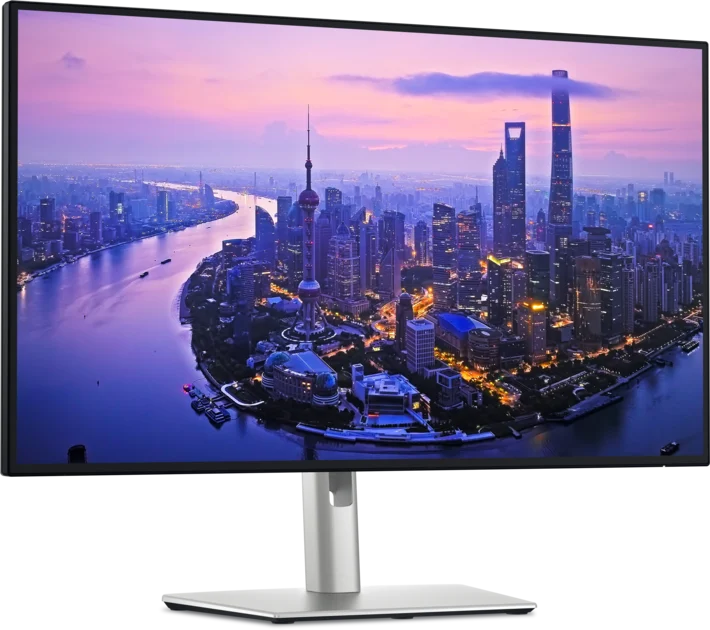
The U2725QE combines a 27-inch 120Hz panel with Thunderbolt charging, networking and a substantial USB hub.
Review basis: This is a research-based editorial review of manufacturer documentation and published product specifications, not a hands-on test. Ratings reflect documented features and buying tradeoffs; performance claims are attributed to their sources.
A monitor and connection center
The Dell U2725QE is most compelling when it replaces both a monitor and part of a docking arrangement. Its 27-inch 4K display is paired with Thunderbolt connectivity, laptop charging and wired networking, giving a compatible computer a tidy path into a permanent workspace. Buying it only as a screen makes the decision harder because much of the product's value is tied to connections you may not use. Start by listing what currently plugs into your laptop and which of those cables the monitor could genuinely consolidate.
Resolution and refresh serve different purposes
The 3840-by-2160 resolution gives this 27-inch panel a dense workspace for text and detailed images. The 120Hz refresh rate addresses motion and scrolling rather than adding more pixels. Together they make a useful combination for people who spend long hours moving through documents and creative applications. Dell's Enhanced IPS Black panel has a specified 3,000:1 native contrast ratio, but that does not turn it into an OLED display. If deep dark-room blacks or highly specialized HDR work are the priority, compare display technologies as well as resolution.
The hub needs a compatible host
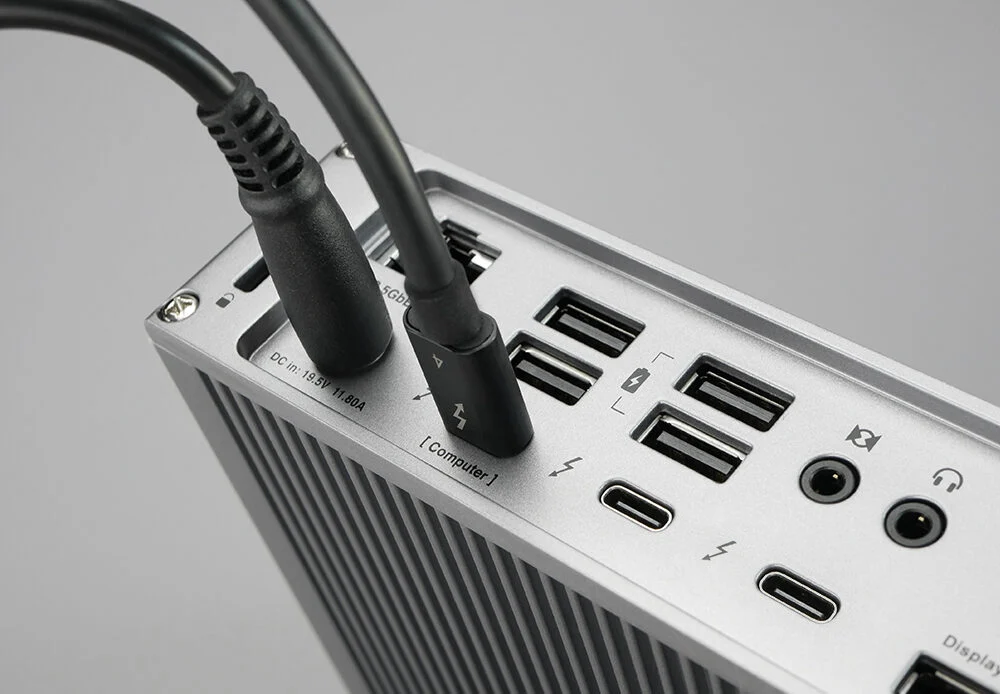
The upstream Thunderbolt 4 connection can deliver up to 140W to a compatible laptop, while USB ports and 2.5Gb Ethernet support common desk accessories. The power figure is a maximum supported capability, not a guarantee that every laptop will accept that amount. Similarly, the computer, cable and display output must support the desired 4K refresh rate. A second USB-C upstream connection and KVM functionality make the monitor relevant to two-computer desks, but planning the cable arrangement is essential if you want switching to feel straightforward.
Physical setup and missing pieces
Height, tilt, swivel and pivot adjustments give the included stand useful flexibility. That is more practical than relying on stacked books to place an expensive screen correctly. The 27-inch size can fit a conventional desk without the width of an ultrawide, although 4K scaling preferences will affect how much content feels comfortable. Audio deserves a separate budget: Dell lists an optional soundbar rather than built-in speakers. If your laptop usually supplies sound, consider what happens when it is closed or placed away from the working position.
Buying judgment
Choose the U2725QE when a high-resolution, high-refresh office display and a capable hub solve several needs at once. It is particularly coherent for a compatible laptop that repeatedly arrives at the same desk. A simpler 4K monitor may be better value if you already own a satisfactory dock, and a dedicated gaming display may be a better match for gaming-specific priorities. The Dell's premium is easiest to justify through reduced connection clutter and a flexible working setup, not by treating every specification as a feature you must pay for.
Sources
What works well
- 27-inch 4K panel at 120Hz
- Thunderbolt 4 with up to 140W charging
- 2.5Gb Ethernet and extensive USB hub
What to consider
- Hub premium is wasted if unused
- No built-in speakers
- Full capabilities depend on host and cable support
At a glance
- Panel
- 27 in Enhanced IPS Black
- Resolution / refresh
- 3840 × 2160 / 120Hz
- Specified contrast
- 3,000:1
- Host charging
- Up to 140W
- Ethernet
- 2.5GbE
- Stand
- Height, tilt, swivel, pivot