Computers & Laptops / Review
Apple Mac Studio M4 Max (2025) Review: A compact desktop for a connected creative desk
The 2025 M4 Max Studio combines substantial compute resources with front card access, Thunderbolt 5 and 10Gb Ethernet.
Review basis: This is a research-based editorial review of manufacturer documentation and published product specifications, not a hands-on test. Ratings reflect documented features and buying tradeoffs; performance claims are attributed to their sources.
A desktop with a clear role
The Mac Studio with M4 Max makes sense for a desk that already has a good display and needs a compact computer with extensive connections. It is less persuasive as an all-purpose family computer bought primarily for email and browsing. This review covers the 2025 M4 Max generation, not the M3 Ultra configuration or later Mac Studio models. That distinction matters when comparing listings, because the outside can look very similar while the processor, memory options and front ports differ. Treat the chip and configuration as essential parts of the product name.
Why the connections matter
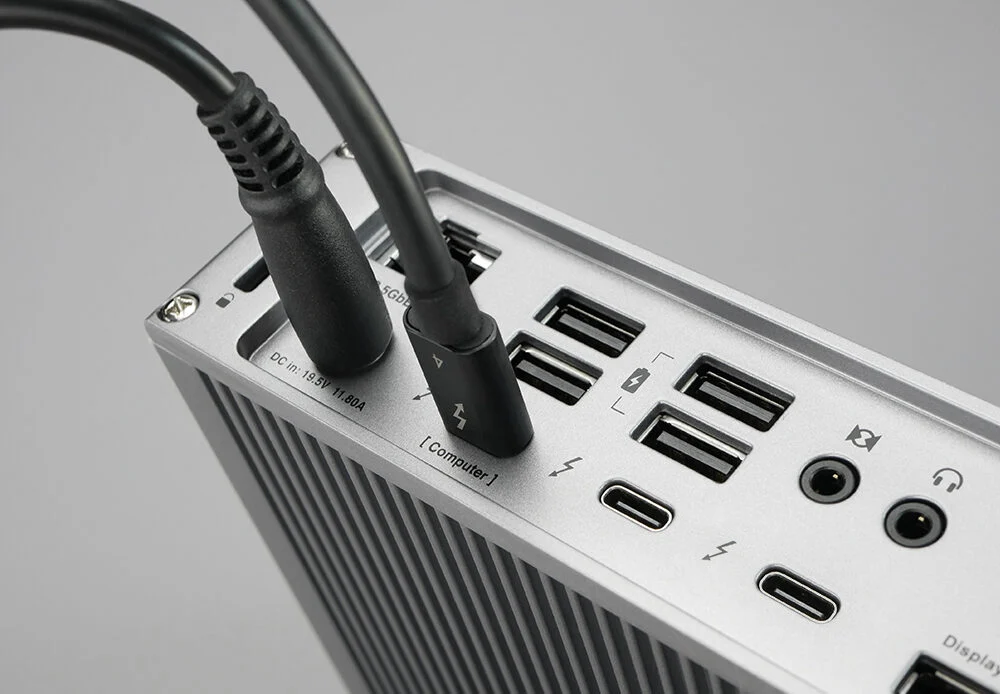
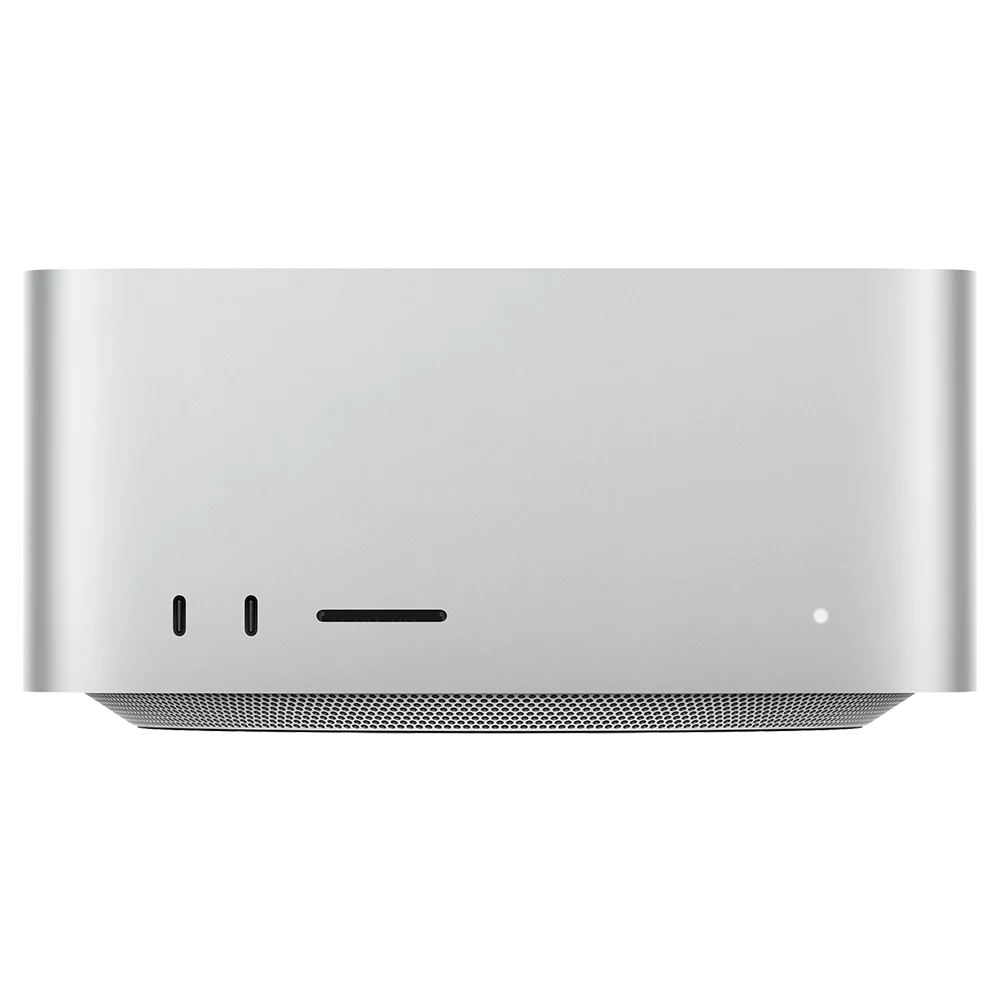
Four rear Thunderbolt 5 ports, HDMI, two USB-A ports and 10Gb Ethernet provide a useful starting point for a desk with fast storage and wired networking. The M4 Max version adds two front USB-C ports and an SDXC reader, making temporary connections accessible without reaching behind the computer. Those front USB-C ports run at up to 10Gb/s; they are not the additional Thunderbolt ports found on the Ultra version. The distinction prevents an expensive mistake if your storage plan assumes every USB-C-shaped socket offers the same bandwidth.
Choose resources for the work
The entry M4 Max combines a 14-core CPU with a 32-core GPU, while another version offers 16 CPU and 40 GPU cores. Apple's published 2025 configurations begin with 36GB of unified memory. A buyer should start with application requirements, project sizes and memory demand rather than choosing the largest core count automatically. Video work can benefit from the dedicated media engines when the formats and software use them. Other workloads may care more about memory capacity, software compatibility or a particular graphics ecosystem than the headline chip name.
The ownership tradeoff
The enclosure occupies approximately a 7.7-inch square, which is appealing beside a monitor, but the compact design does not offer the routine internal expansion of a tower PC. Plan memory at purchase and budget for external storage if a media library will outgrow the internal drive. A display, keyboard and pointing device are also separate purchases. Those costs matter most when starting from nothing; the Studio becomes easier to justify when you are retaining equipment you already like. Its built-in speaker is useful for basic system audio, not a substitute for a considered audio setup.
Buying judgment
Buy this generation of Mac Studio when its ports, memory configuration and macOS software fit a real creative or technical workflow. A smaller Mac desktop can be the better value for ordinary office work, while a modular PC may suit buyers who prioritize replacing components over a compact enclosure. The M4 Max Studio's strength is a concentrated, well-connected desktop arrangement. Its value depends on using those resources and choosing the correct configuration, especially in refurbished or remaining-stock listings where two visually identical machines can represent very different purchases.
Sources
What works well
- Four rear Thunderbolt 5 ports
- Front SDXC and USB-C access
- 10Gb Ethernet and compact footprint
What to consider
- Display and input devices cost extra
- Limited routine internal expansion
- Front USB-C ports are not Thunderbolt on M4 Max
At a glance
- Generation
- 2025, M4 Max
- Base CPU / GPU
- 14-core / 32-core
- Base memory
- 36GB unified
- Rear Thunderbolt
- 4 Thunderbolt 5
- Front ports
- 2 USB-C 10Gb/s; UHS-II SDXC
- Footprint
- 7.7 × 7.7 in