Computers & Laptops / Review
ThinkPad X1 Carbon Gen 13 Aura Edition Review: Buy the Configuration, Not Just the Name
The business notebook’s broad configuration range rewards a careful specification comparison.
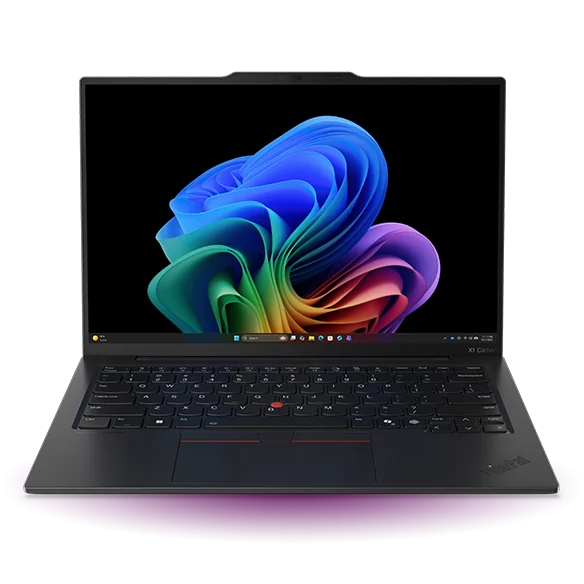
The appeal
The X1 Carbon family is aimed at buyers who want a portable business notebook with familiar productivity connections. For the Gen 13 Aura Edition, the useful starting point is Lenovo’s detailed specification reference. It makes clear that the family spans multiple processor and display options. A broad family description is helpful for orientation, but it cannot tell you exactly what a particular retail or business-channel unit contains.
A practical connection mix
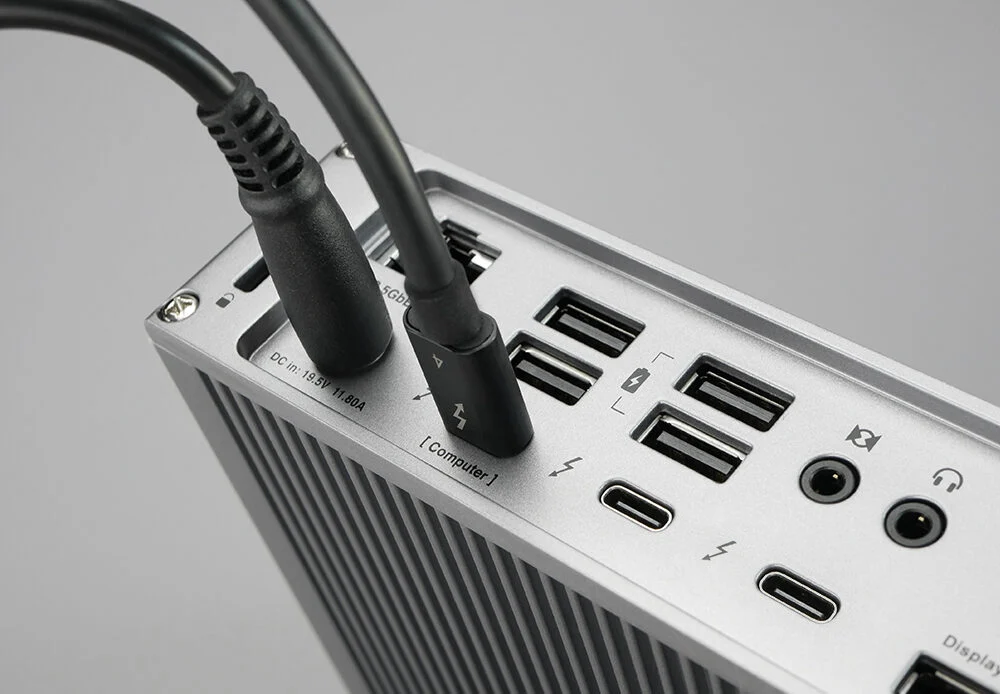
Lenovo’s overview identifies two Thunderbolt 4 connections, USB-A ports, HDMI and a headphone/microphone jack. That selection is attractive for a worker moving among desks and meeting rooms, where the ability to connect ordinary accessories without a collection of adapters matters. Optional cellular equipment is configuration-dependent; the presence of a related feature in the family documentation is not proof that every unit includes it.
Choose for the workload
The published reference includes several Intel Core Ultra processor families and configurations. Check the actual processor suffix, memory, display, storage and wireless options on the machine you intend to buy. A higher tier does not automatically improve the work you do most often. The most valuable upgrade might be a preferred screen or adequate memory rather than a processor chosen by name alone.
Ownership considerations
Business purchasing also involves warranty coverage, repair arrangements and the organization’s software requirements. Compare those terms alongside the hardware. If the notebook is for personal use, decide which business-oriented features you will actually use. Paying for a configuration designed around requirements you do not have can reduce value even when the machine itself is capable.
Verdict
The X1 Carbon Gen 13 Aura Edition is a strong candidate for a mobile productivity setup that values its connection mix and business configuration options. It requires more careful shopping than a single fixed-specification product. Obtain the exact machine specification before ordering, compare like-for-like warranties and choose the version that addresses your workload and travel routine.
Editorial score rationale
The X1 Carbon Gen 13 scores strongly for its documented productivity connections. Its appeal is greatest when a buyer can specify the exact business requirements and compare complete, equivalent packages.
Sources
What works well
- Broad selection of productivity connections
- Detailed manufacturer configuration reference
- Multiple business-oriented configuration choices
What to consider
- Specifications vary substantially by exact unit
- Optional features are easy to mistake for standard equipment
At a glance
- Family
- ThinkPad X1 Carbon Gen 13 Aura Edition
- Ports
- Thunderbolt 4, USB-A, HDMI, audio
- Configuration
- Processor, screen, memory and cellular options vary