Computers & Laptops / Review
Surface Laptop 7th Edition Snapdragon Review: Check Your Software Before the Finish
A polished Windows notebook proposition with an important application and peripheral compatibility step.
Define the version
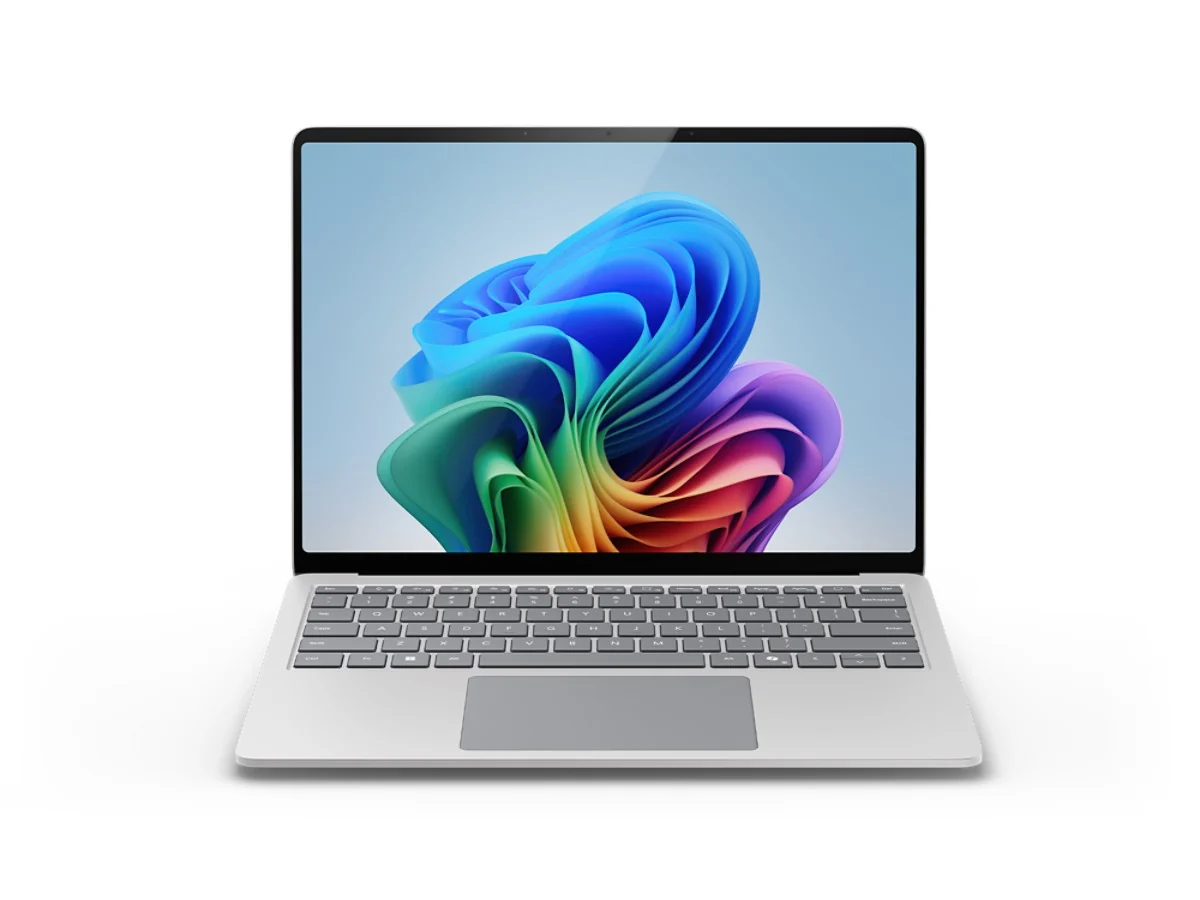
Surface Laptop naming covers several sizes and processor variants. This review concerns the 13.8-inch seventh-edition model with Snapdragon, not an Intel business configuration or another screen size. Microsoft lists Snapdragon X Plus and X Elite options for the family. Confirm the exact processor, memory and storage on the listing before comparing prices; a shared product name does not make two configurations equivalent.
The practical appeal
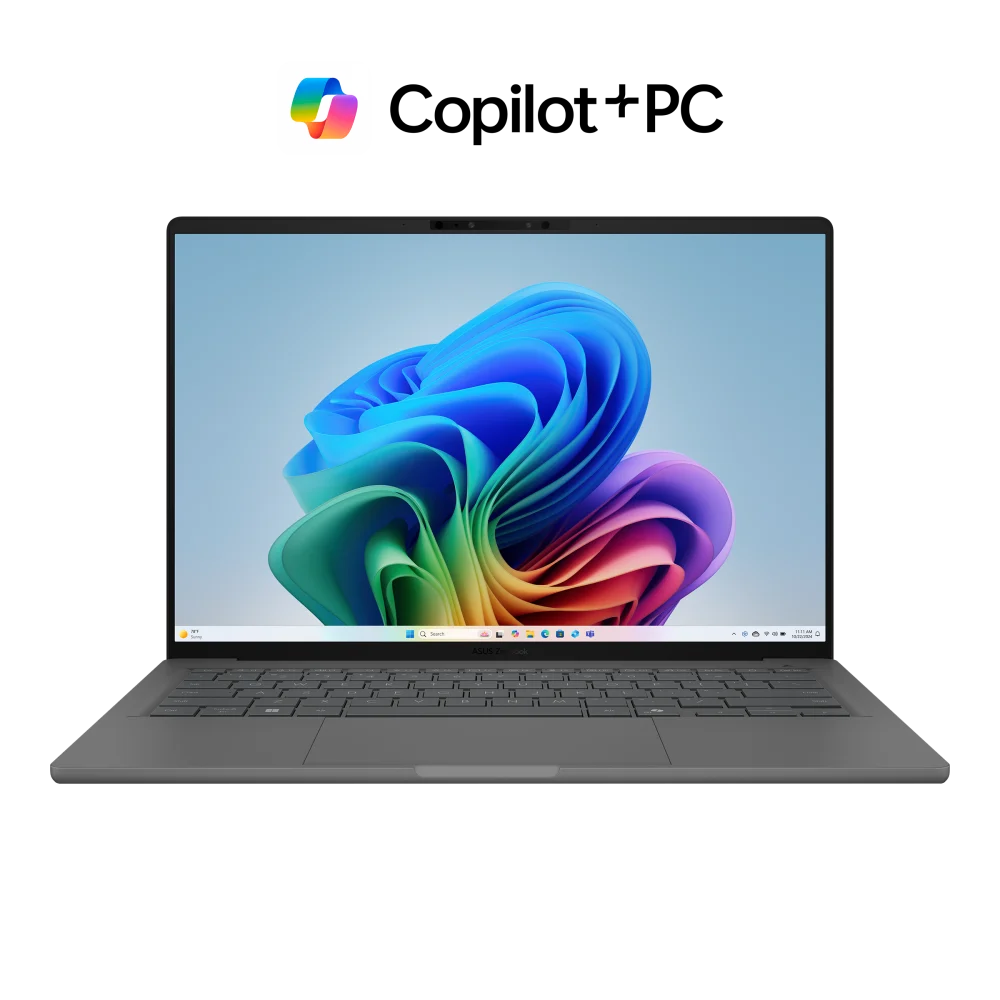
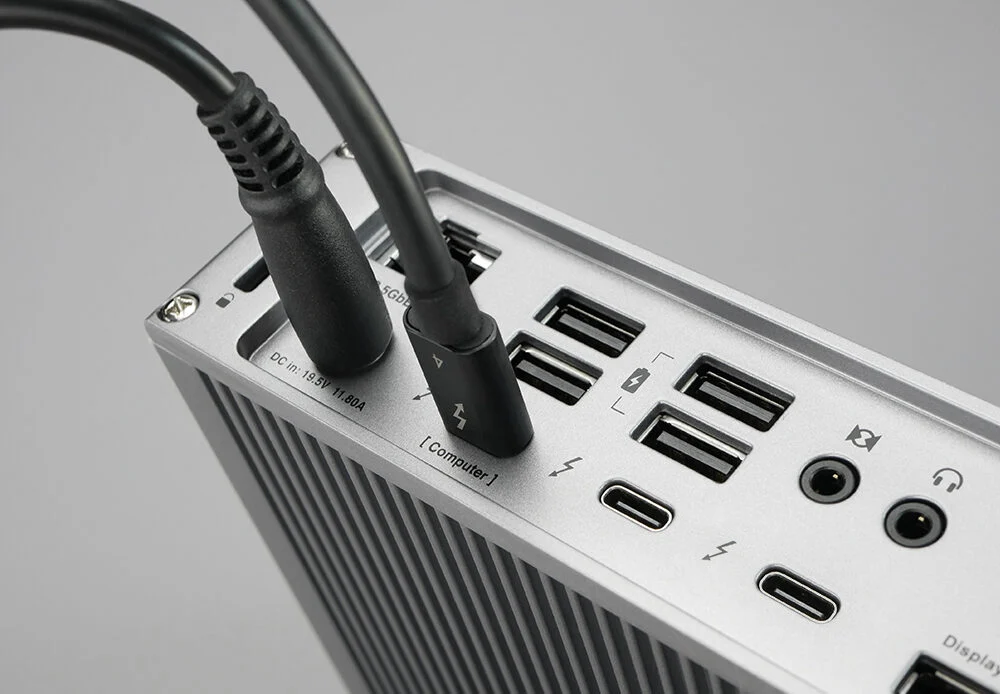
The model combines a conventional laptop form with a touchscreen and a useful set of connections. Microsoft’s hardware overview identifies USB-A, two USB-C/USB4 ports, a headphone connection and Surface Connect. That mix can reduce dependence on adapters for ordinary desk accessories. The important comparison is with the devices you actually connect, including displays, storage and any specialist equipment.
Windows on Arm deserves a checklist
The Snapdragon model runs Windows on Arm. Microsoft’s Prism emulation supports many x86 and x64 applications, but software support is not something to infer from the word Windows alone. Check your essential apps, plug-ins, games, security tools and peripheral drivers with their providers. A short compatibility check before purchase is more useful than discovering a work-critical exception after moving your files.
Value and alternatives
This Surface makes sense for a buyer whose software stack is supported and who values the overall hardware package. A conventional Intel or AMD Windows laptop may be the simpler choice when a specific device or application depends on that platform. Do not pay for a more expensive processor tier unless your workload benefits; memory, storage and the display experience can be more relevant to daily satisfaction.
Verdict
The Snapdragon Surface Laptop 7 is a credible option for a carefully checked Windows workflow. Its strengths are the compact touchscreen format and connection mix. The main purchase condition is compatibility, followed by a clear comparison of the exact configuration. Treat those as normal selection steps and the decision becomes much easier to make.
Editorial score rationale
The Surface scores well for its physical connection package and touchscreen notebook role. Compatibility is the main qualification, so its versatility score is lower than its design score. The assessment rewards the documented features while leaving performance and battery behavior to the exact workload and configuration.
Sources
What works well
- Touchscreen notebook format
- USB-A plus two USB-C/USB4 ports
- Multiple memory and processor configurations
What to consider
- Specialist software and drivers need Arm compatibility checks
- Similar names can hide materially different configurations
At a glance
- Screen class
- 13.8 inches
- Processor options
- Snapdragon X Plus or X Elite
- Platform
- Windows on Arm