Computers & Laptops / Review
Apple Mac mini M4 Review: Build the Desktop Around the Small Box
A compact desktop can be excellent value when you already have the display and accessories it needs.
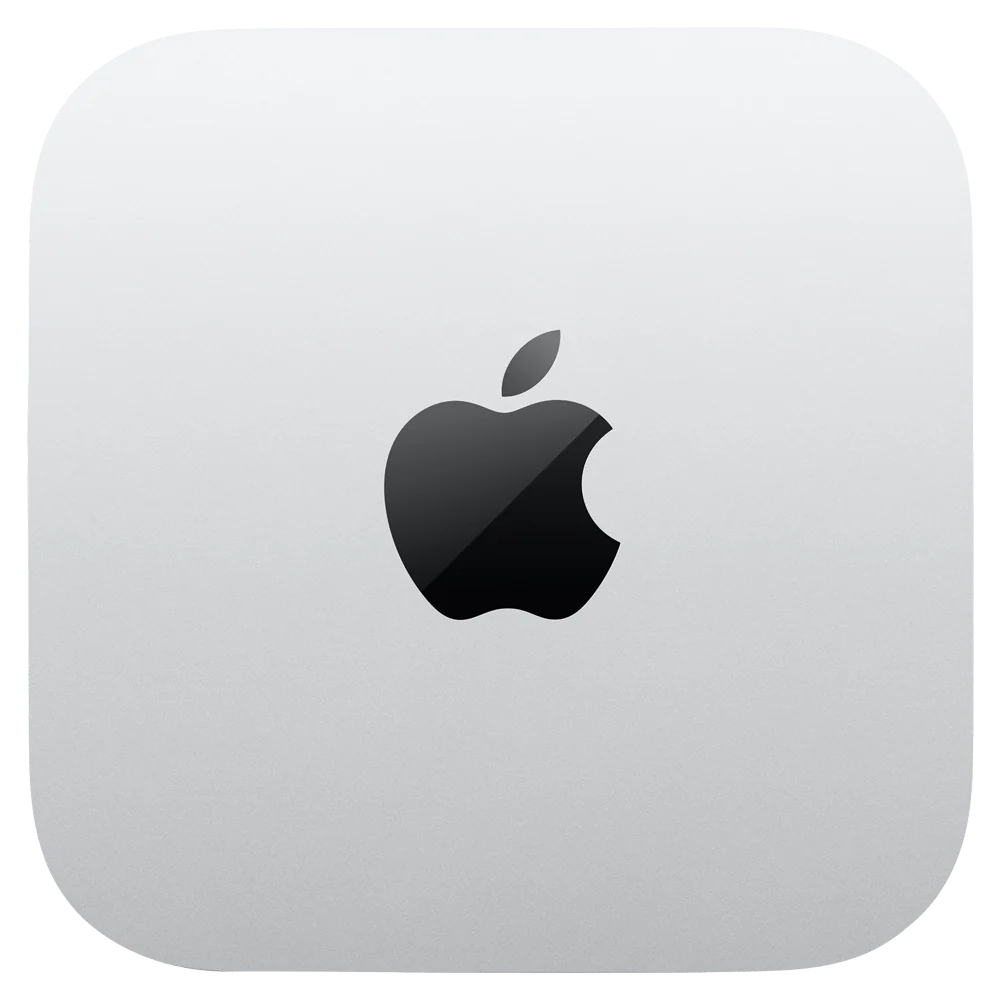
The desktop proposition
The M4 Mac mini makes the strongest case for someone who wants macOS at a desk and does not need the computer to travel. Separating the computer from the display has a practical benefit: a good monitor, keyboard and pointing device can remain in service when the computer changes. It also makes the real purchase price less obvious, because the small computer is only one part of a complete workspace.
Choose the correct model
Apple’s 2024 specification sheet covers both M4 and M4 Pro versions. The standard M4 configuration uses a 10-core CPU and 10-core GPU, with 16GB of starting unified memory. The Pro model has different processing and connection specifications. Compare the exact configuration rather than transferring a capability from one version to the other.
Connections and workspace
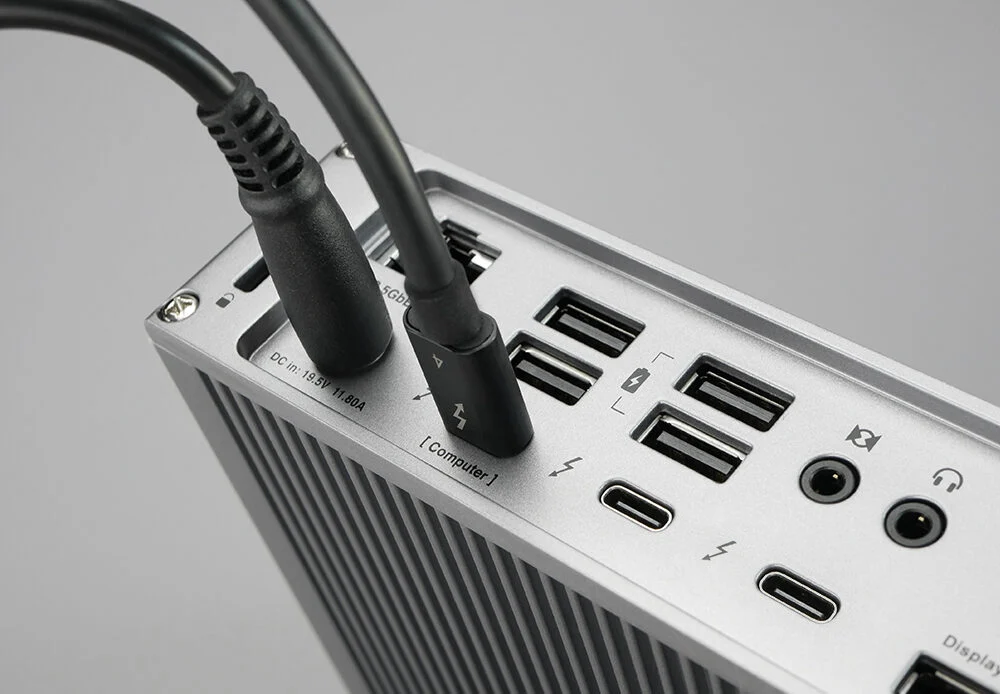
Plan where the computer will sit and how monitors, storage and other devices will connect. Count the ports you need at the same time, including charging or accessories that may compete for them. External storage can be useful, but it introduces another device and cable to manage. A small computer can still create a cluttered desk if the surrounding equipment is not planned.
Value depends on what you own
If you already have a suitable monitor and peripherals, the mini avoids paying for another built-in screen and keyboard. If you need everything, compare the full system with an all-in-one computer or a laptop and dock. A notebook may cost more initially but provide flexibility that matters to a household sharing workspaces.
Verdict
The Mac mini M4 is an appealing foundation for a compact home or office desktop. It is particularly coherent when existing accessories are worth keeping and the workload fits the selected memory and storage. Choose the Pro variant only for requirements that justify it. The right desktop purchase is the complete setup that supports your work, not simply the smallest or least expensive computer in the comparison.
Editorial score rationale
The Mac mini M4 is rated as the foundation of a complete desktop, with strong credit for compactness and reuse of good peripherals. Its score assumes that a fixed desk suits the buyer.
Sources
What works well
- Compact separate desktop
- Can reuse a suitable monitor and peripherals
- 16GB starting unified memory
What to consider
- Display and input devices add to a new setup
- M4 and M4 Pro specifications must not be conflated
At a glance
- Generation
- 2024
- Processor
- Apple M4
- CPU / GPU
- 10-core / 10-core
- Starting memory
- 16GB