
Smart Home & Security / Guide
Video Doorbells for Renters: Check Permission and Placement
Before buying a video doorbell for a rental, check installation permission, door clearance, Wi-Fi and what the camera will record.
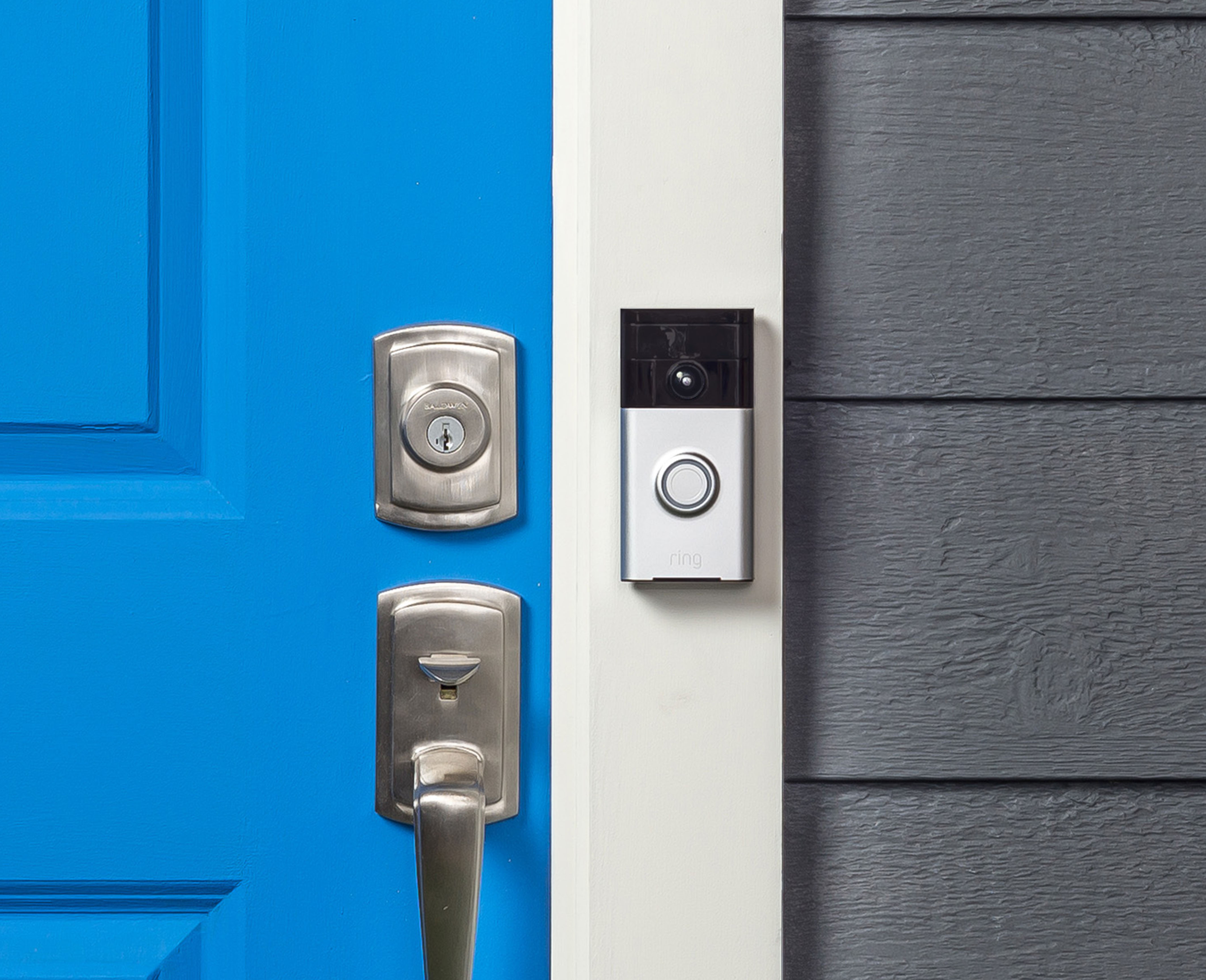
The first question for a rental doorbell is where it can be mounted with permission. Ask the property manager what the building allows, including removable mounts, replacing an existing button or putting a camera in a shared hallway. Confirm the permitted location before selecting a model.

Measure the door and test the connection
Measure the space next to the door and check the path of the door and any storm door. A mount that wraps around a door needs enough clearance for it to close normally and should follow the building’s rules. Stand at the proposed spot and check the network signal. Ask the manufacturer what connection it needs if the router is on another floor or behind a thick wall.
See what the camera will include
The camera can capture a neighbor’s doorway or a shared landing even when the intended target is your own entrance. Look at the device’s field of view and whether it offers privacy masking or angle adjustments. Check the rules that apply to your building. If there’s no workable way to frame it, consider a solution without video.
Choose power and chime together
Battery models simplify some installations but require charging or swapping a battery. Check how you’ll get to it and whether you’ll hear the doorbell without a phone nearby. If the unit needs wiring, get the relevant permission and confirm electrical compatibility before work starts.