Electronics & Audio / Review
WiiM Ultra Review: A streaming hub for several existing sources
WiiM Ultra combines network playback, TV audio and a phono input, with the absence of AirPlay as a decisive compatibility detail.
Review basis: This is a research-based editorial review of manufacturer documentation and published product specifications, not a hands-on test. Ratings reflect documented features and buying tradeoffs; performance claims are attributed to their sources.
The system it belongs in
WiiM Ultra is best considered as the control center for an existing powered-speaker or amplifier setup. It brings network streaming together with several physical sources, including television audio and a turntable. That is a more substantial role than simply adding Bluetooth to an old stereo. It is not the WiiM Amp Ultra and does not provide speaker-level amplification for passive speakers. This naming distinction is essential: the Ultra needs an appropriate downstream amplifier or powered speakers, so the purchase should begin with a diagram of the system you already have.
Inputs make the difference
HDMI ARC, optical, line-level analog and phono inputs give the Ultra a useful range of source options. The phono stage is intended for compatible moving-magnet cartridges, while a turntable with its own preamp can use the appropriate line-level connection. HDMI ARC can simplify television integration, subject to the TV's settings and supported audio format. These connections are valuable if they consolidate several boxes or repeated cable changes. If you only stream music to one amplifier, a simpler network player may accomplish the main task with less hardware and expense.
A screen and app-centered control
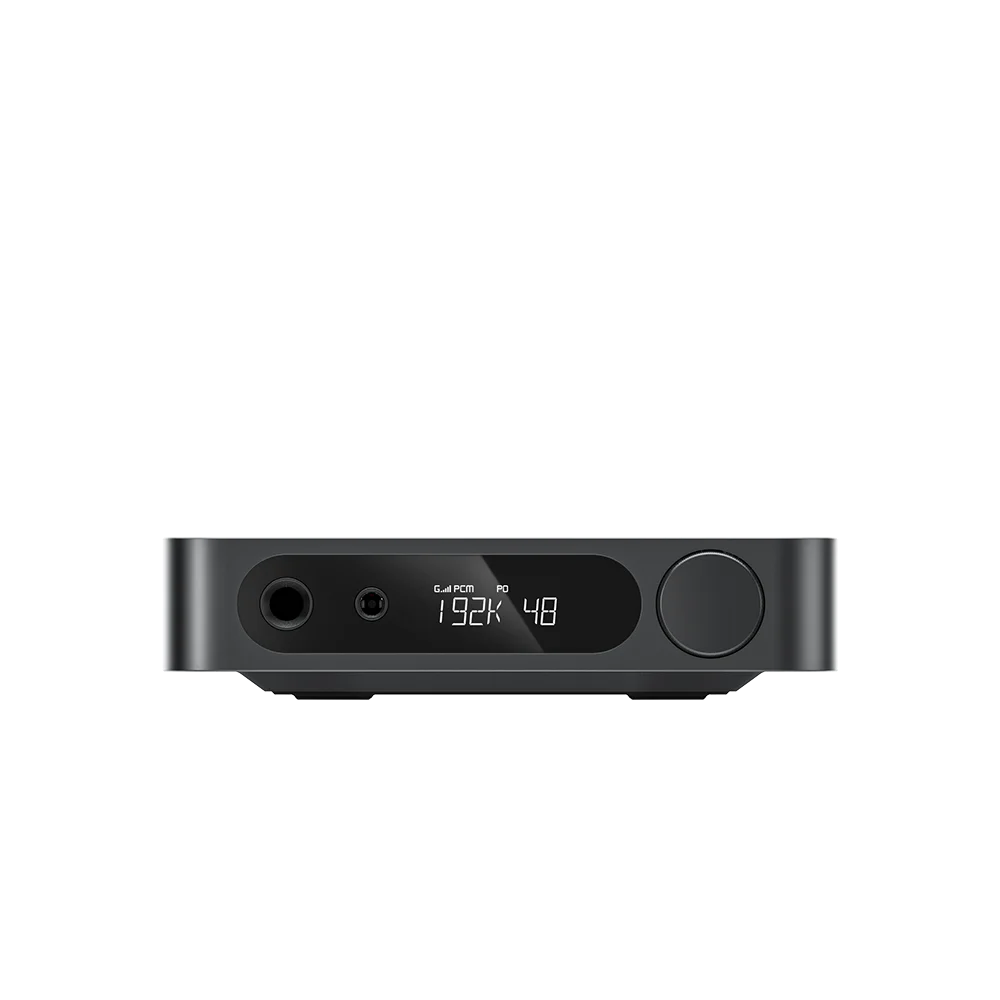
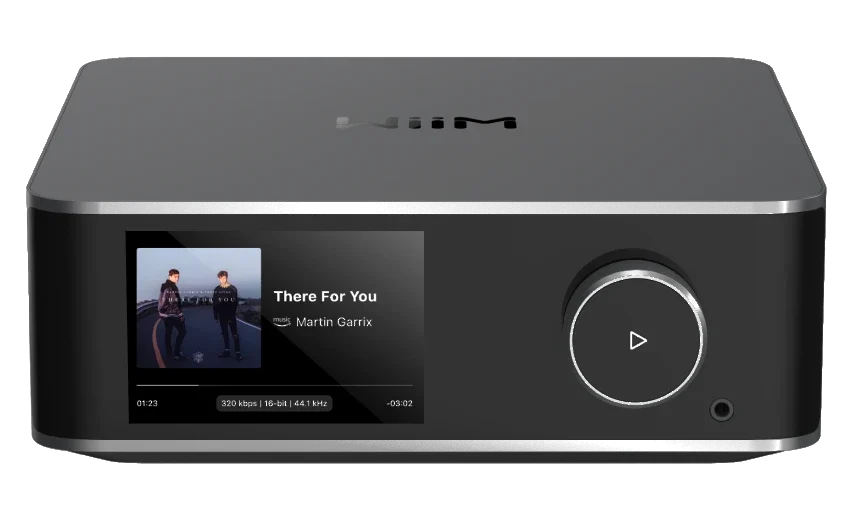
The color touchscreen provides a local view of playback and controls, while the WiiM Home app handles much of the system configuration. EQ, room adjustment and subwoofer controls offer useful ways to tailor a setup, but they also create settings worth understanding. Start with correct speaker placement and levels before treating software adjustment as a cure for the room. The screen is convenient when the unit sits within reach. In a hidden cabinet or distant rack, its value falls and app control becomes the normal interaction.
The important omission
WiiM Ultra does not support AirPlay. That is not a minor footnote for an Apple household that relies on AirPlay to send audio from many apps. Other supported streaming services and connection methods may cover your needs, but they are not interchangeable with a missing protocol. Verify the specific service and method you intend to use before buying. Similarly, multiroom distribution of connected physical sources should be planned around compatible WiiM grouping rather than assuming every network speaker in the home will join the same group.
Verdict
Buy the Ultra when its combination of TV, phono and streaming inputs will make an existing audio system easier to use. Its local display and configuration options are useful additions for an accessible listening setup. Choose a simpler streamer if most inputs will remain empty, an AirPlay-capable alternative if that protocol is central, or an integrated streaming amplifier if you still need power for passive speakers. The Ultra's strength is consolidation. It earns its place when several real sources and controls come together, rather than when a touchscreen alone makes an old stereo look newer.
Sources
What works well
- HDMI ARC and phono inputs
- Touchscreen plus app control
- Subwoofer and EQ configuration options
What to consider
- No AirPlay support
- Does not power passive speakers directly
- Advanced setup requires attention to formats and grouping
At a glance
- Type
- Network streamer / preamp
- Inputs
- HDMI ARC; optical; line; MM phono; network; Bluetooth
- Display
- 3.5-inch touchscreen
- Speaker amplification
- None
- AirPlay
- Not supported