Family & Parenting / Review
Brother PT-D220 review: a household label maker with no phone dependency
A keyboard, preview screen and narrow tape format make sense for everyday organization.
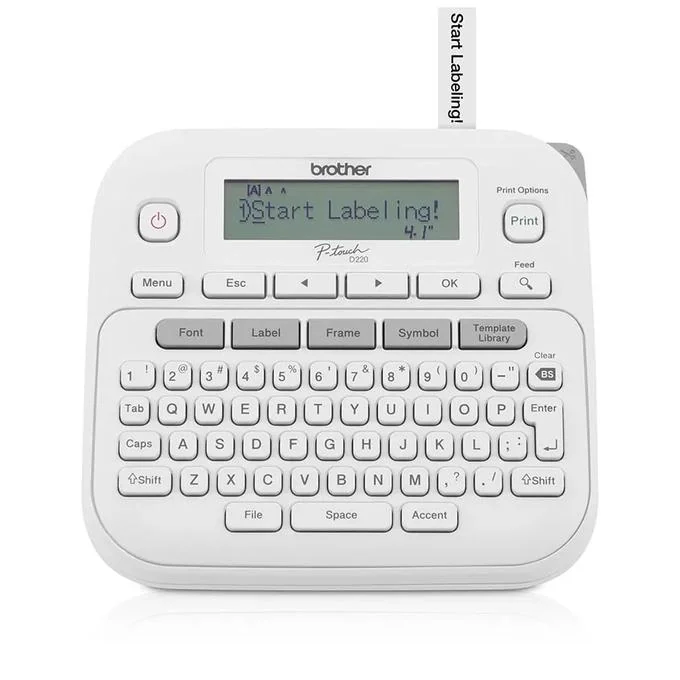
The Brother PT-D220 is for people who want to make a label at the cupboard or desk without installing an app. That straightforward workflow is its main attraction. For household files, bins and shared supplies, a dedicated keyboard can be more convenient than asking everyone to depend on one person’s phone.
A deliberately standalone design
Brother specifies a QWERTY keyboard, a 15-character display and support for TZe tapes up to 12 millimeters wide. The PT-D220 does not offer mobile-app printing. It can run from six AAA batteries or an optional AC adapter; neither power source is included in the standard package. A sample black-on-white tape is supplied.
The tape width is enough for many short household labels, but it should shape the intended use. Long instructions, large signs and shipping labels are different requirements. The small preview display also favors concise wording. A label maker is most useful when the label can be read quickly, so its limits may encourage a more practical naming system.
The tape choice matters
Choose tape for the surface and task, checking the compatibility and adhesive description. A label intended for a cable, fabric item or storage bin may require a different tape type. Do not assume every cartridge in a similar-looking case works with the machine or suits the material. Keep one familiar everyday tape on hand before buying a collection of decorative finishes.
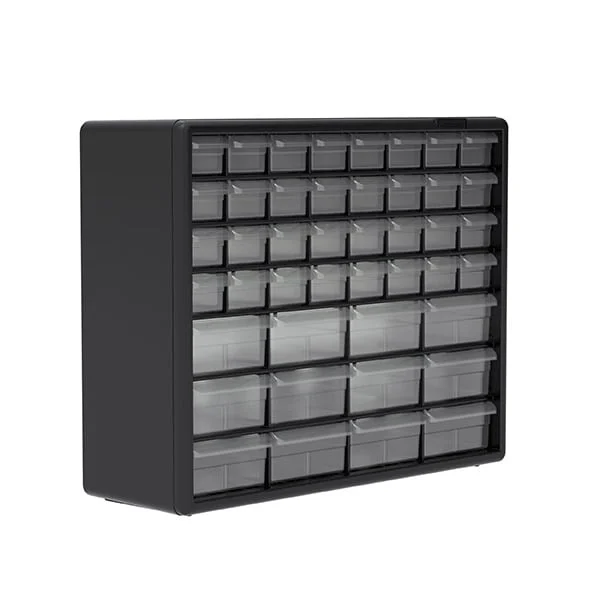
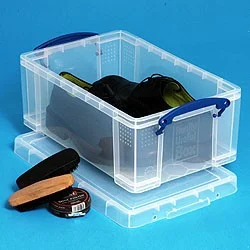
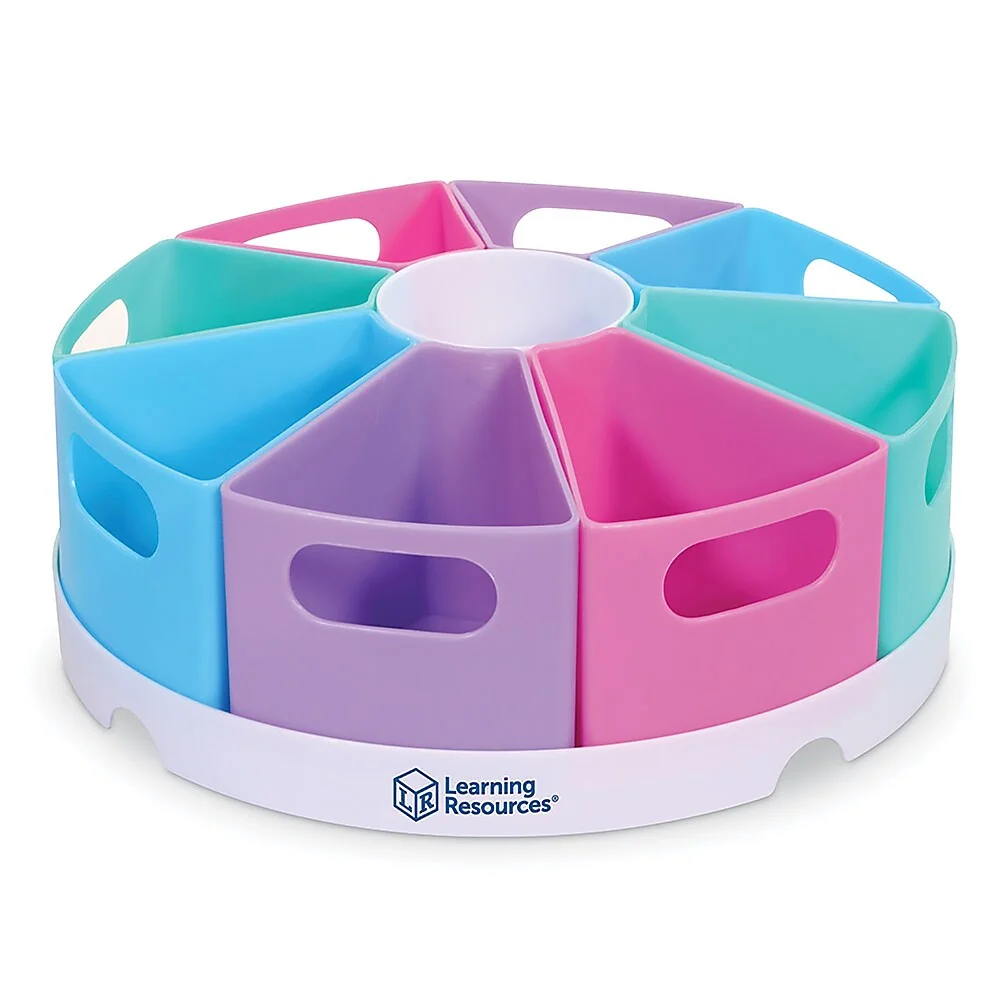
For shared household organization, agree on names before printing. “School supplies” is more useful if everyone knows what belongs there; an attractive label cannot fix an unclear storage system. Start with a few recurring trouble spots and adjust the arrangement before labeling every shelf. This reduces wasted tape and avoids creating a system only one person understands.
Verdict
The PT-D220 is a practical choice for short household labels and buyers who prefer standalone controls. It is less suitable when wide labels, computer design or phone printing are central requirements. Include batteries or the correct adapter and replacement tape in the purchase, then use it to clarify an existing storage routine rather than create one by decoration alone.
Editorial rating: 4.0 / 5
Editorial assessment of the documented feature set, design tradeoffs, versatility and ownership requirements for the intended buyer. Features and design each contribute 30%; versatility and ownership each contribute 20%.
- Features: 4.0 / 5 (30%) — A QWERTY keyboard, preview display and compatible TZe tape system provide useful household labeling functions without requiring a separate mobile device or app.
- Design: 4.3 / 5 (30%) — The standalone controls suit quick short labels, although the small display and 12-millimeter width naturally favor concise wording over elaborate layouts.
- Versatility: 3.6 / 5 (20%) — Compatible tape choices support several household uses, but the narrow format and lack of app printing limit wide signage and connected design workflows.
- Ownership: 3.8 / 5 (20%) — Tape is a clear recurring supply, while batteries or the optional adapter must be added to the standard box before the machine is ready to work.
Sources
What works well
- Standalone QWERTY keyboard
- Preview display
- Supports common narrow household labels
What to consider
- No mobile-app printing
- Power source excluded from standard box
At a glance
- Maximum tape width
- 12 mm
- Display
- 15-character single-line
- Power
- 6 AAA batteries or optional AC adapter
- Connectivity
- Standalone; no mobile app